It is easy for follow-up to slip when you are busy running a business. A quote goes unanswered, a new customer needs instructions, or someone means to finish an order and forgets.
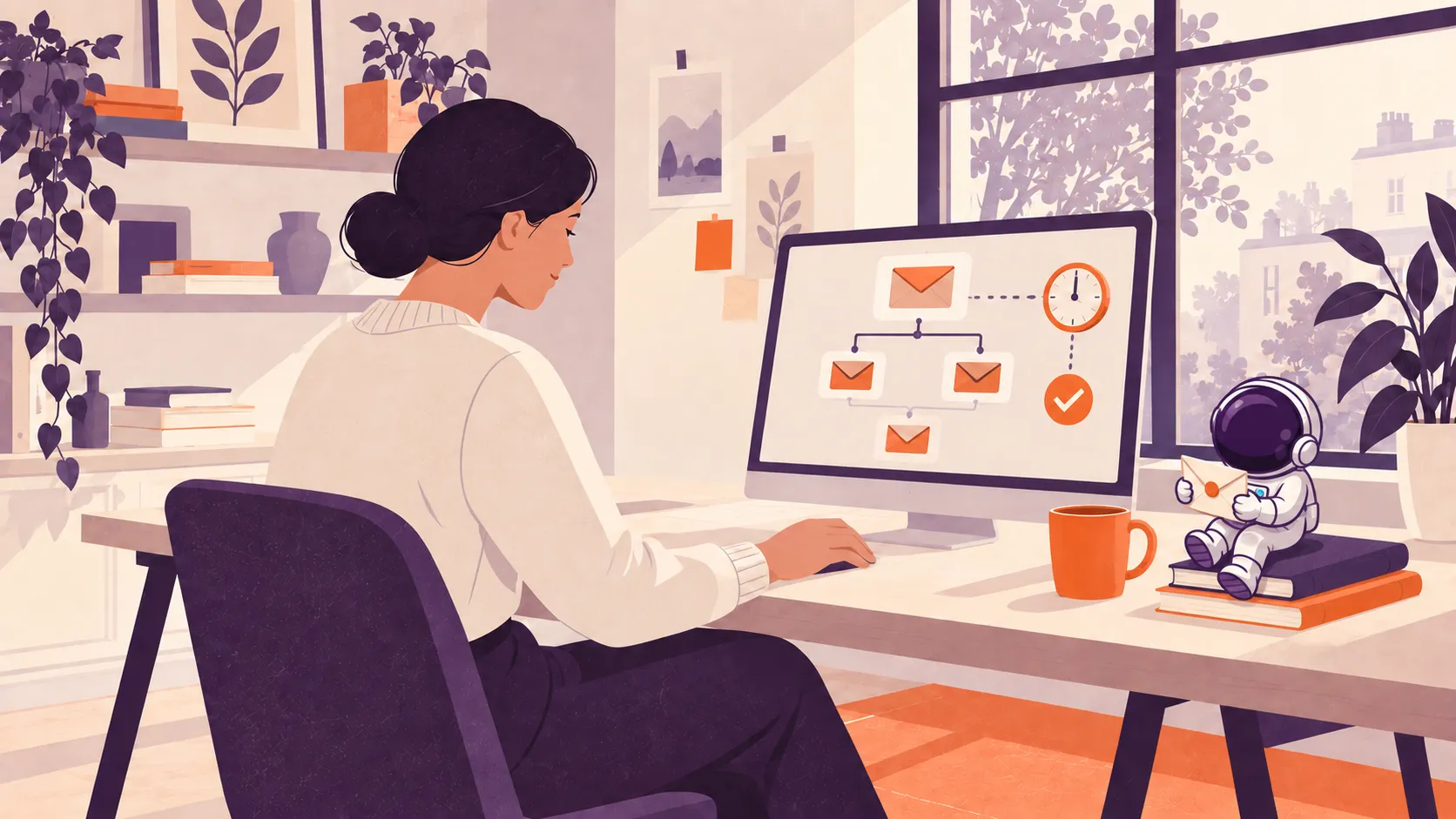
Email automation handles a planned message when something happens, such as an enquiry arriving, a booking being made or an order being delivered. Set up well, it saves repetitive work and helps customers know what to do next.
Here are five useful places to start for service businesses and online stores.
1. Welcome new subscribers
When someone signs up for updates or requests a guide, send what they asked for and introduce your business. Explain what they can expect to hear from you and give them a useful next step.
For a service business, that might be a guide to preparing for a project. For an online store, it could be advice on choosing the right product. A later email can answer a common question or share a relevant customer story.
Example: a landscaping business sends its garden planning checklist on signup, then follows up a few days later with examples of projects and an invitation to ask a question.
2. Follow up enquiries and quotes
A new enquiry should reach someone who can respond. An automated acknowledgement can confirm it arrived and explain the next step, while an internal reminder helps your team follow through.
Once a quote has been sent, a short check-in can ask whether the customer has questions. Keep it relevant to their request and make it easy to reply to a real person.
Example: after sending a website proposal, schedule a friendly follow-up asking whether anything needs explaining. Stop the automated sequence when the person replies, accepts or declines, so it does not continue over the top of a conversation.
3. Help with unfinished checkouts
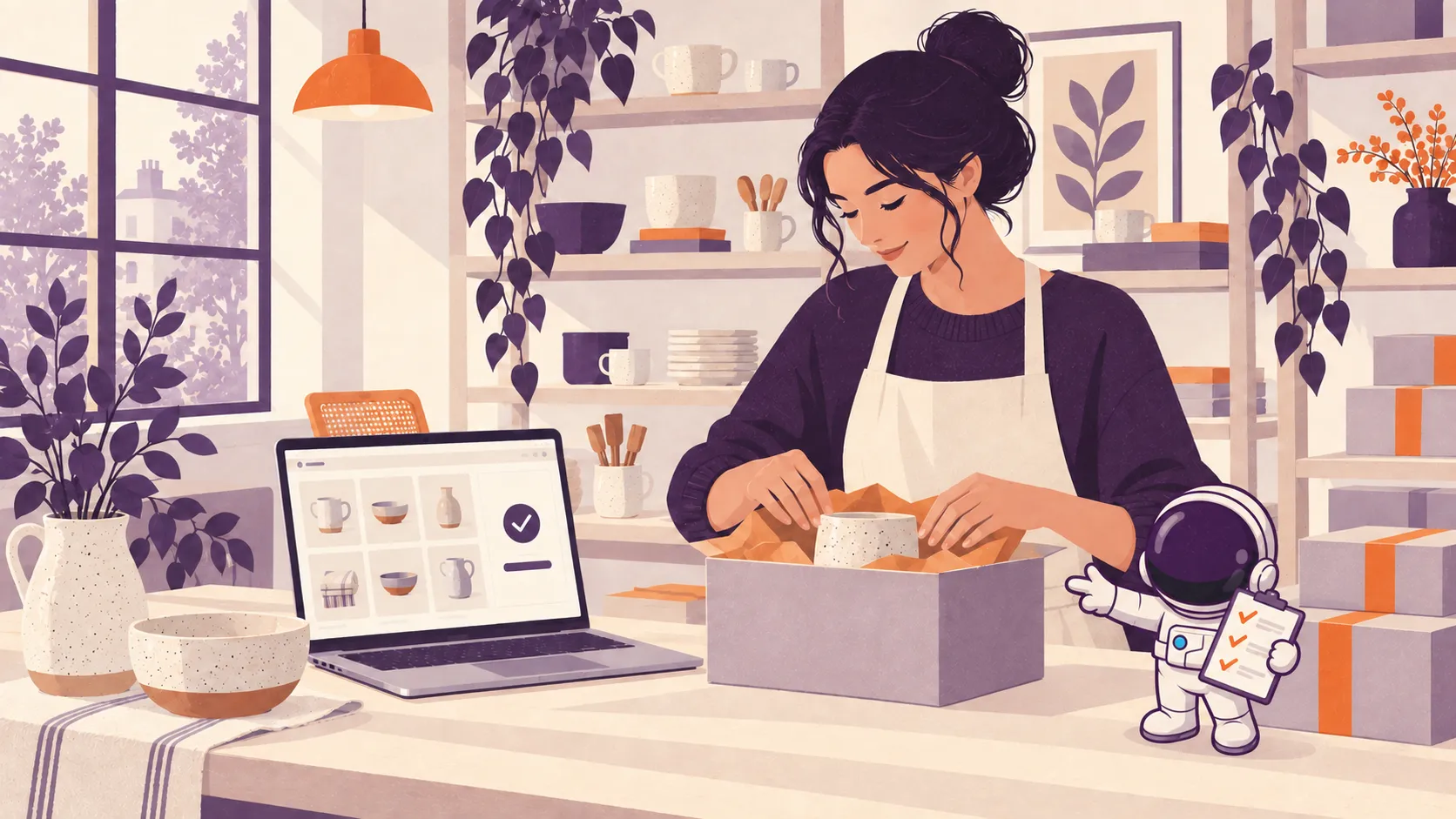
For online stores, a checkout reminder can help someone return to an order they left unfinished. Use it for customers who are eligible to receive that follow-up, with a link back to their checkout and a simple way to ask for help.
Start by making the purchase easier to complete. A discount is not always needed: the customer may have been interrupted or had a question about delivery.
Example: send a helpful reminder after an unfinished checkout, then stop the sequence if the order is completed. Review the timing and results before adding more emails. If the same questions keep coming up, fix the product or checkout information too.
4. Help new customers get started
Once someone buys or books, use email to make the next steps clear. That could mean appointment preparation, delivery updates, product care instructions or a checklist of information you need before starting a project.
Time the message around what is actually happening. Product care advice makes more sense after delivery, and a project preparation checklist belongs before the work begins.
Example: a cleaning business sends a booking confirmation, then a reminder with access instructions before the visit. After the job, it checks that everything went well and invites the customer to leave a review.
5. Reconnect with past customers
Some products and services have a natural repeat cycle. A useful reminder can bring your business back to mind when someone is ready to order again or book another service.
Choose the timing around the customer and what they bought. A regular service reminder is more useful than sending everyone the same offer every month.
Example: a business offering equipment servicing reminds customers when their next service is due. A store selling consumables can invite customers to reorder around their usual purchase interval.
Start with one useful automation
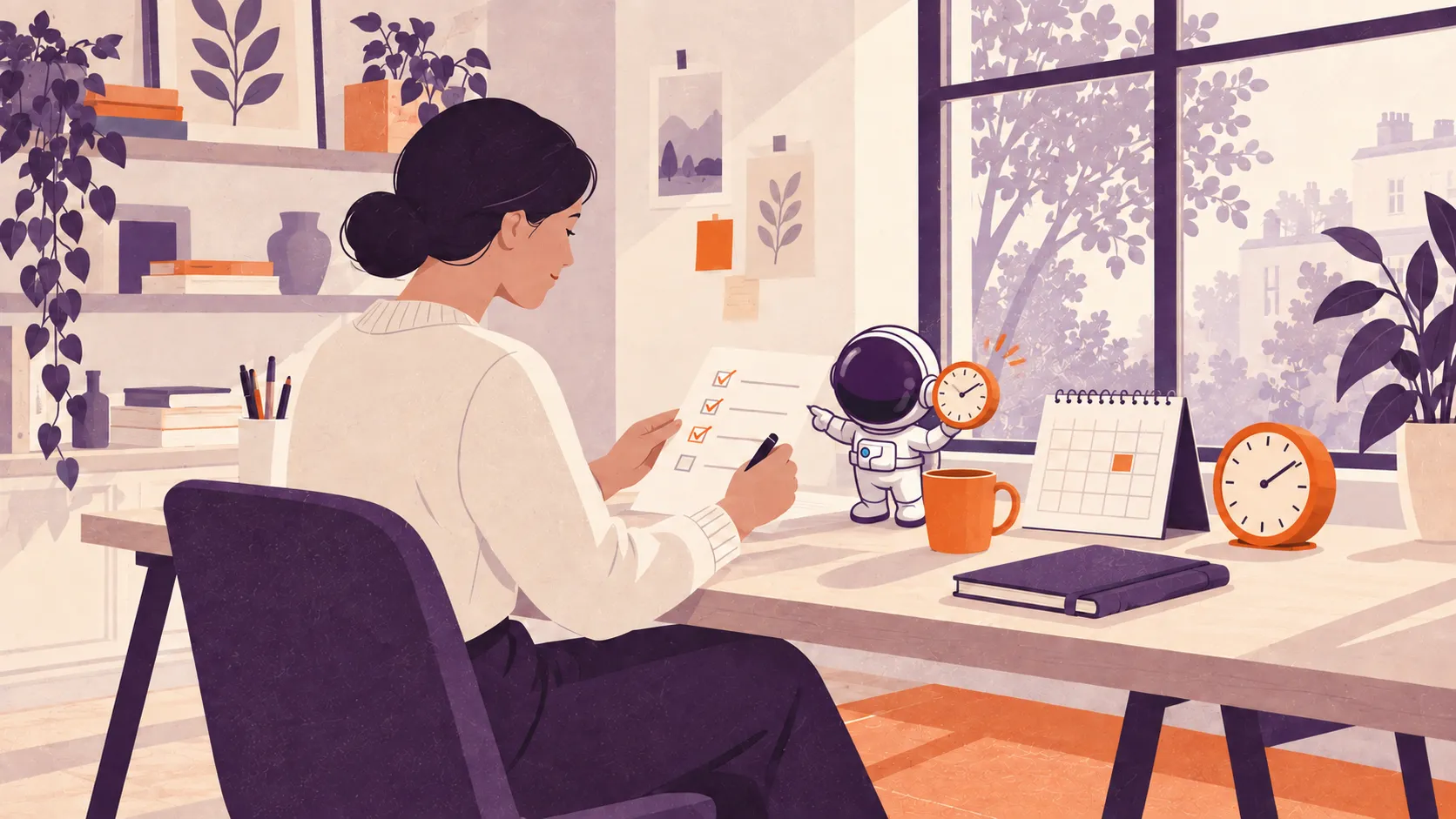
Choose the follow-up you miss most often and map out what should happen:
- Trigger: what starts the sequence?
- Message: what does the customer need to know?
- Timing: when will it be useful?
- Stop: what should end it, such as a reply, purchase or unsubscribe?
- Owner: who handles replies and checks it is working?
Test the full sequence before switching it on, including what happens when someone replies or buys. Keep marketing emails permission-based and make it easy to opt out. Check that your tools share the updates needed to avoid duplicate or out-of-date messages.
Review replies, bookings and completed orders alongside delivery issues and unsubscribes. Keep improving the sequence as you learn what customers need.
Our CRM and follow-up setup can help connect enquiries and customer follow-up. For an online store, we can also help with Shopify and its connected tools. Book a chat to work out where automation would save you the most time.